
Here’s how:
1. Add the candidate to the project
You only need to enter the candidate’s first and last name.
If you also enter an email address and/or phone number, make sure to either:
- select “Add without automation”, or
- check that automation is turned off in the project settings
The view looks slightly different depending on whether candidate automation is ON or OFF.
Automation ON

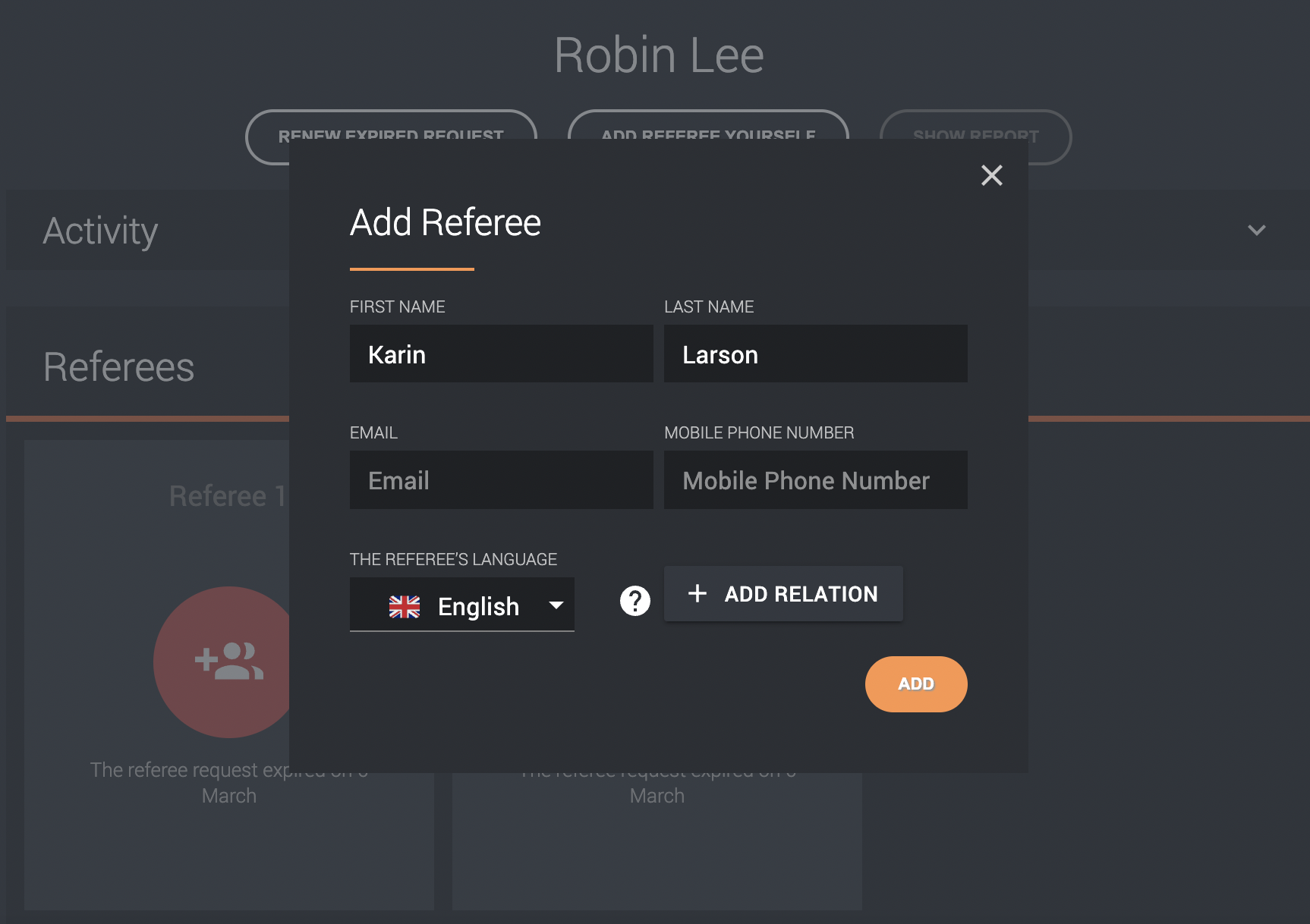
2. Add referees
Click the candidate and select “Add referee”. Fill in the referee’s details.
3. Send the request
If you click “Add” while automation is turned on, an email and/or text message is sent to the referee automatically.