
If you’d like to implement this in your organization, contact your Customer Success Manager or email cs@refapp.com.
Setting up messaging templates
Refapp helps you set up messaging templates based on your preferences in the Back-end of the system. If your organization uses subaccounts, you can create different templates for each subaccount. Once templates are activated, they will be available to select when creating or editing a project.
Using messaging templates in a project
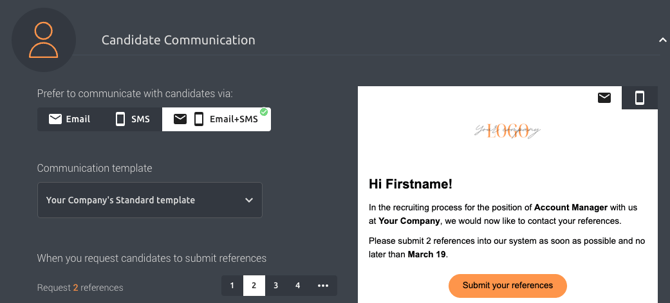
When creating a new project, or editing an existing one, go to the “Candidate Communication” section. From the “Communication Template” dropdown, select the template you want to use.
The email and SMS content will automatically update based on your selection.
Best practice
Use Project Templates to set different communication standards across your organization. This helps ensure consistency while making it easier to apply the right messaging for different roles or departments.
💡 Want to learn more about how to create or update project templates? Read our guide here: How to use project templates in Refapp