
If you want to send different questionnaires to different referees within the same project, you can add multiple questionnaires to your project. For example, you might send one questionnaire to a candidate's manager and another to a colleague or peer.
1. Open your project and go to Settings.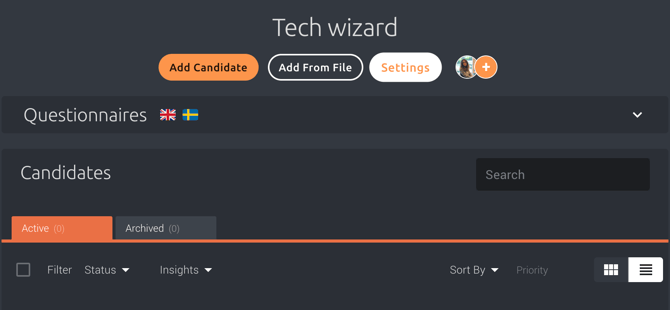
2. Click + Add to add another questionnaire. And select the questionnaire type and language you want to use. Remember to save the changes you make. 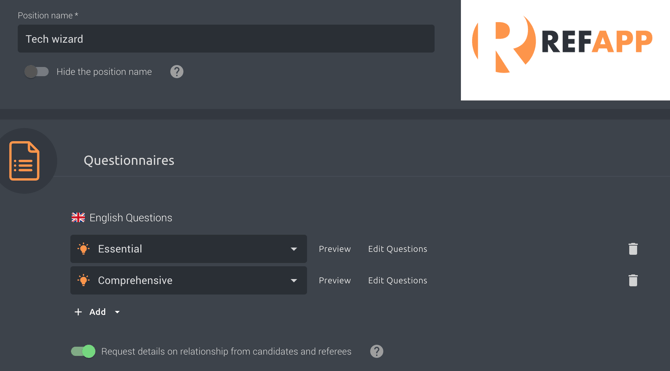
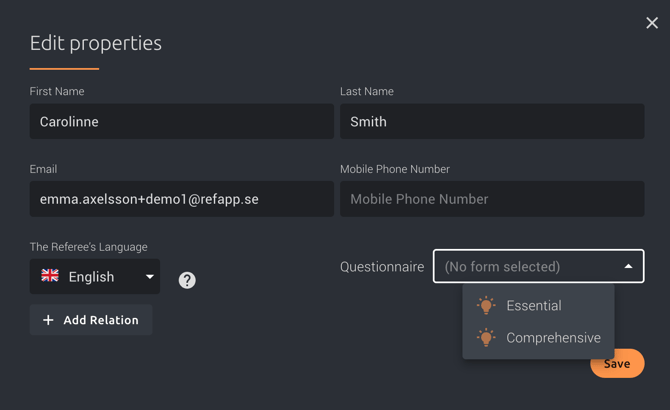
Note that if you have added two or more questionnaires in the same language, Refapp can no longer send automatic requests to referees, as the system cannot determine which questionnaire should be used. Instead, you will be asked to select the questionnaire manually when inviting each referee.
If you have added two or more questionnaires in the same language, you will be able to choose which questionnaire to send when inviting each referee.
If your project includes questionnaires in different languages, see our article How do I handle referees in different languages? for more information.