
How to create a project with Refapp Insights
If Refapp Insights is enabled for your account, you can create projects using research-based reference questionnaires designed to assess a candidate's work-related behaviours and potential for success in the role. Each Insights questionnaire also includes role-based benchmarks, helping you interpret the candidate's results in the context of similar roles.1. Start a new project
First step is to Create a new Reference Check project in Refapp.
2. Enter your project details
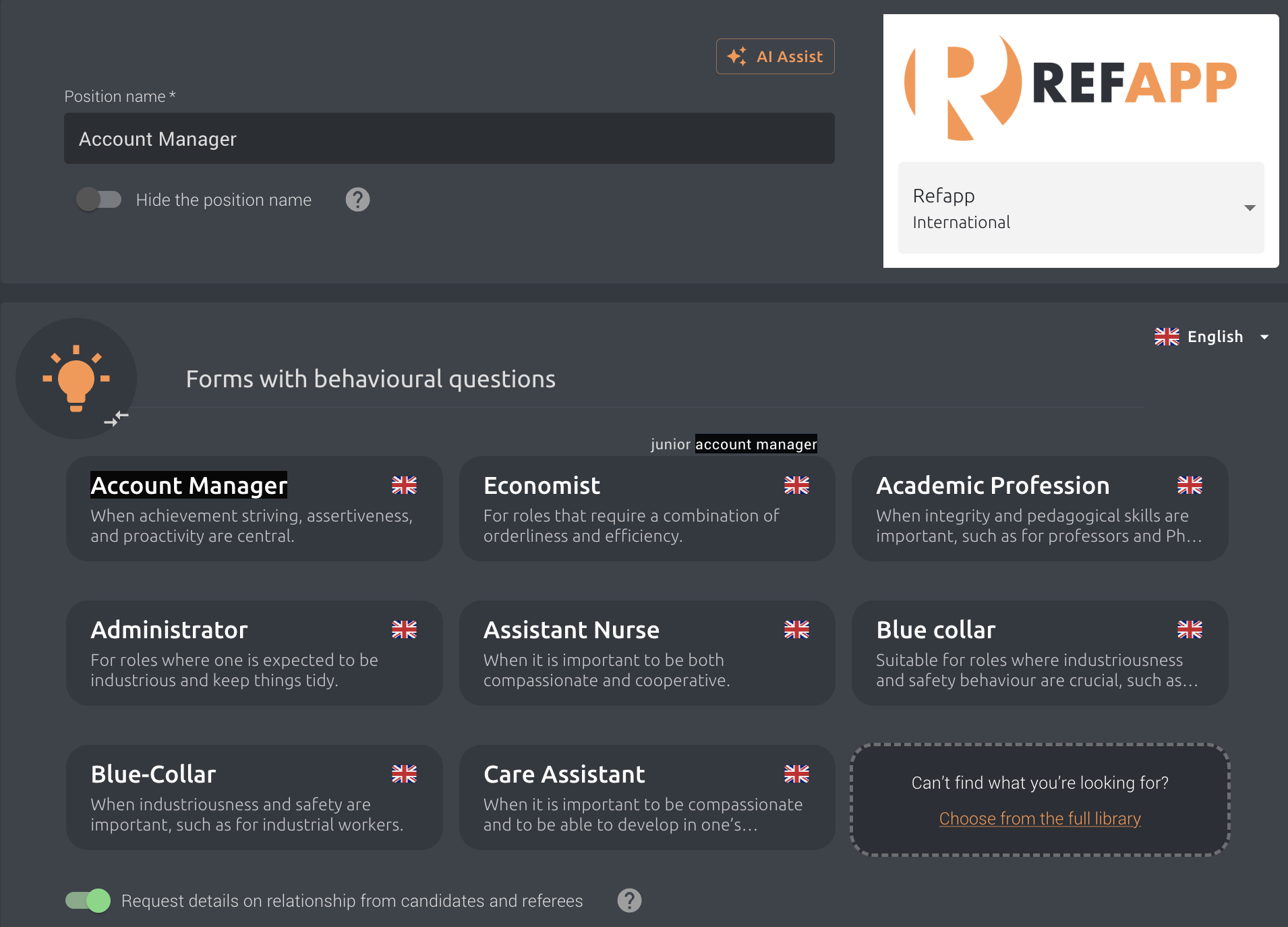
Enter the project title, for example "Account Manager" and complete the basic project information.
Based on the job title, Refapp Insights will automatically recommend the questionnaire that best matches the role. You can either select the suggested questionnaire or choose another one from the available templates.
3. Select an Insights form
Under the section Forms with behavioural questions, choose the Insights form that best fits the position you are recruiting for.
Can't find the form you're looking for? Click Choose from the full library to explore all available templates.
4. Add additional languages (optional)
If your reference checks will be sent in multiple languages, first select the questionnaire in your primary language.
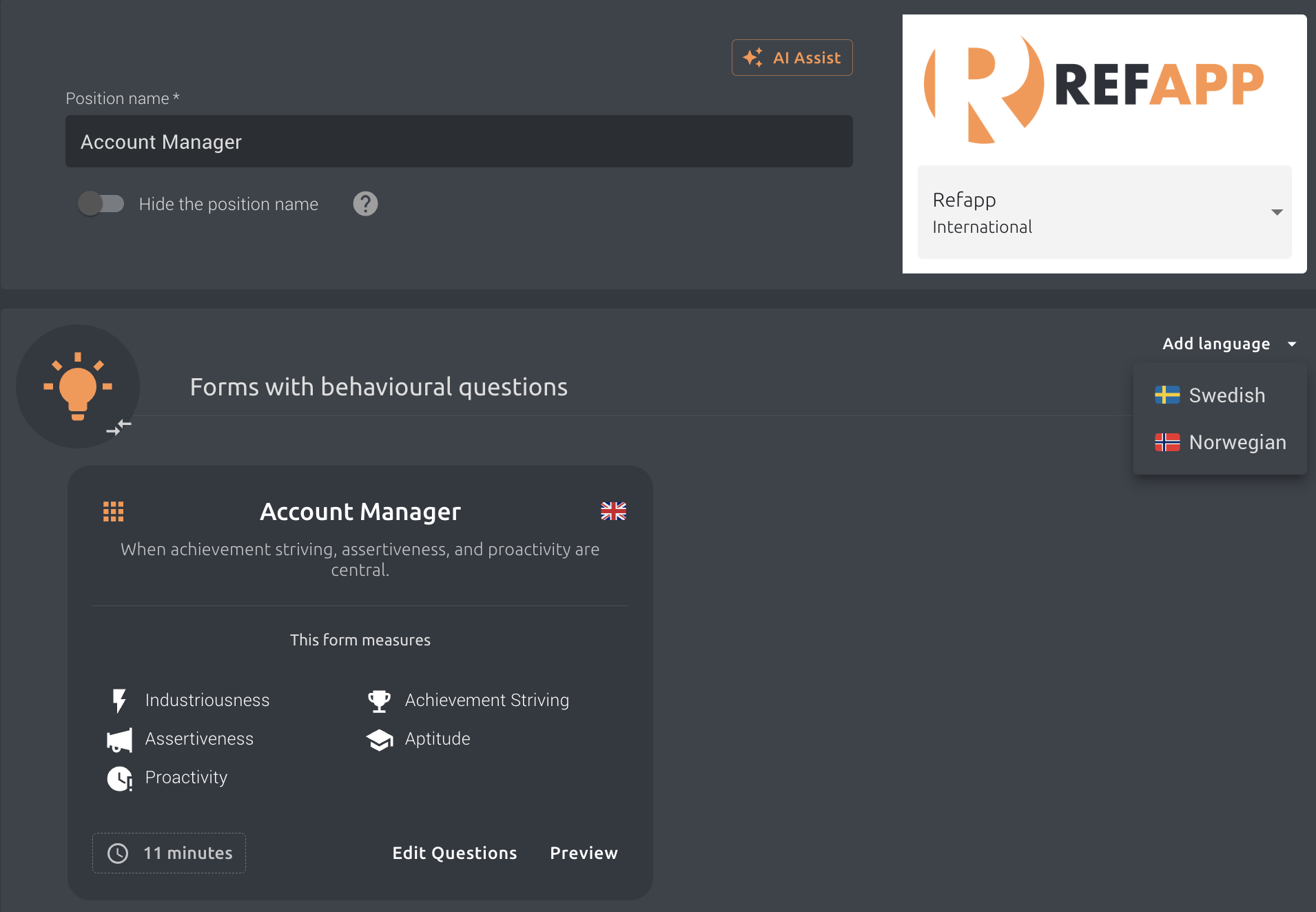
Then click Add more languages and choose the additional languages you have enabled in Refapp. The same Insights form will automatically be selected for each language.
5. Preview the questionnaire (optional)
Before creating the project, you can click Preview to review the questions included in the Insights form and make sure it fits your recruitment process.
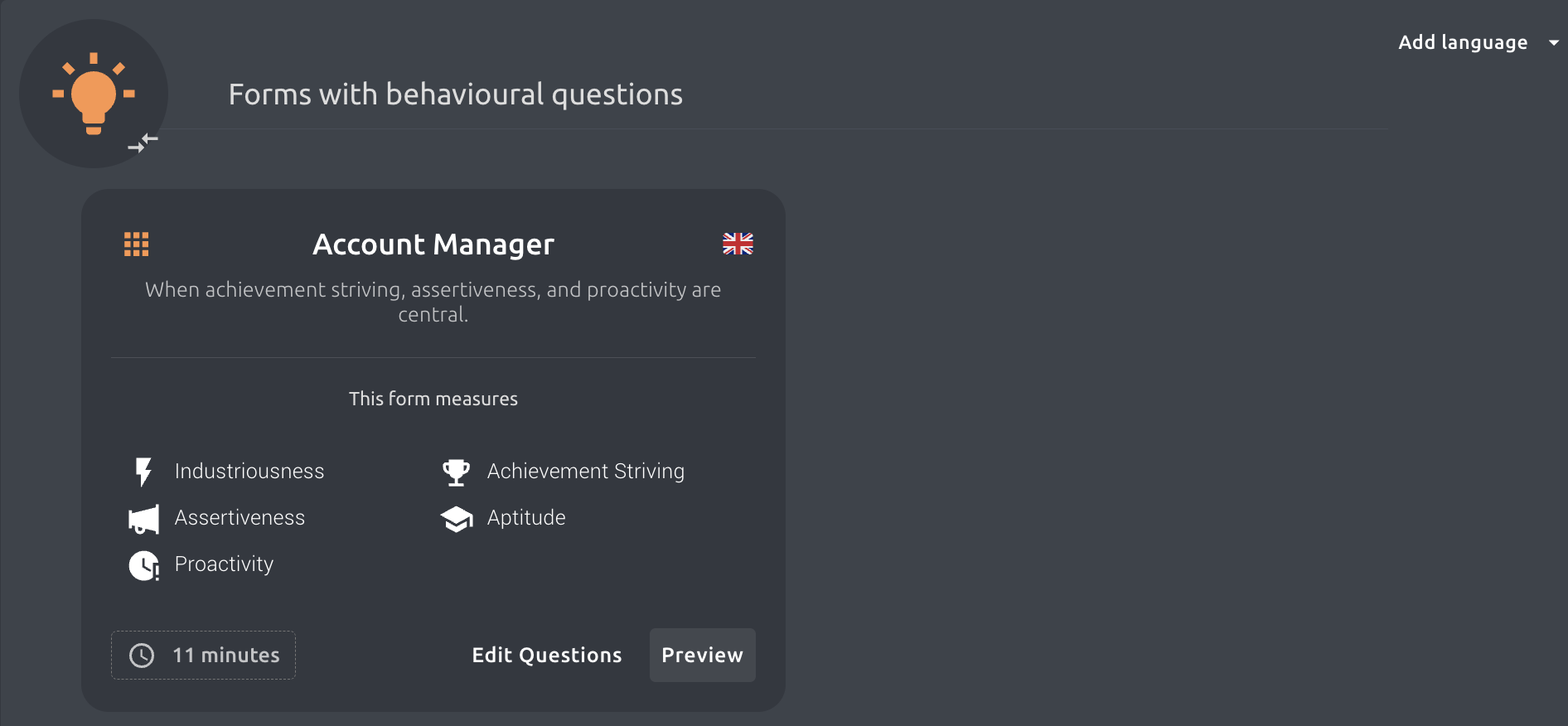
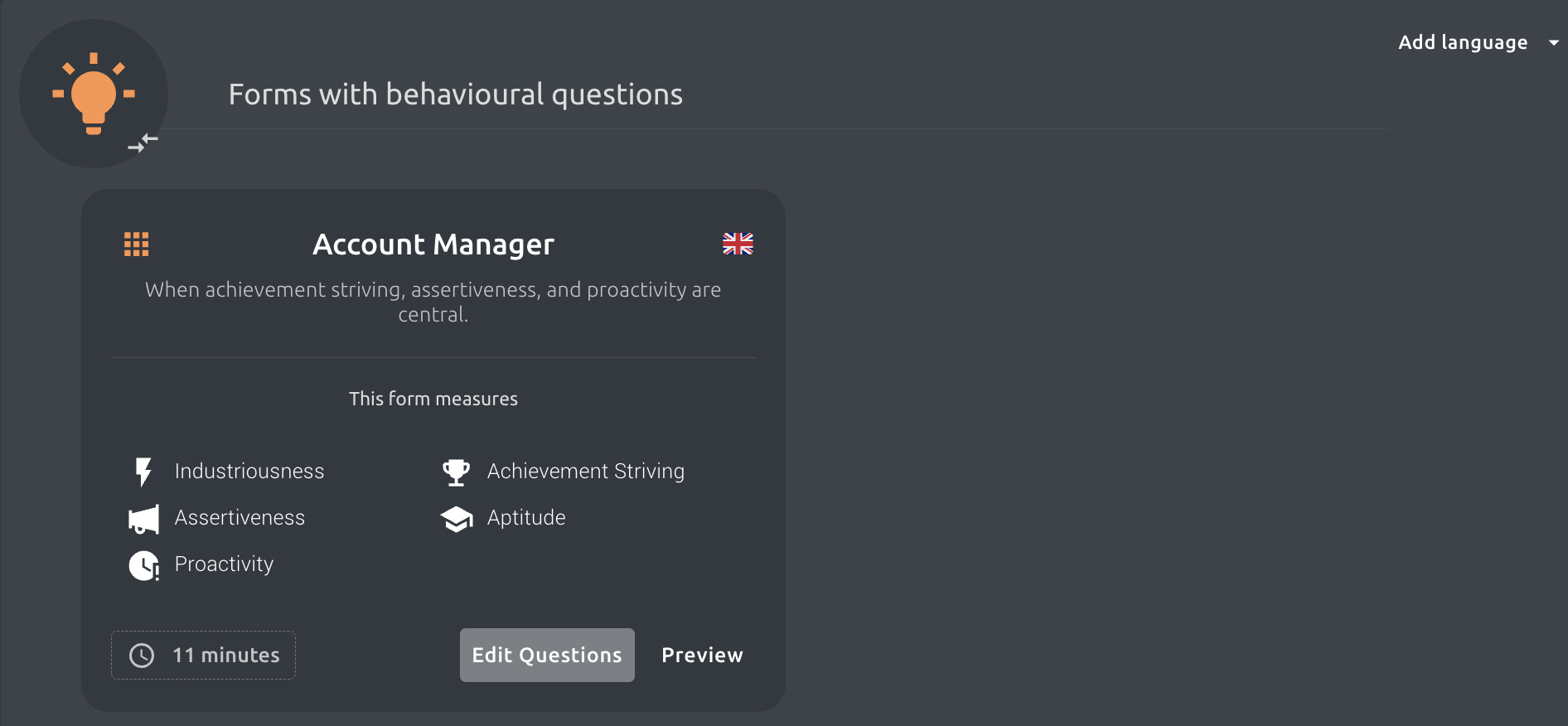
If you need to customise the behavioural traits or questions, you can edit the form before sending it. Read more in How do I edit an Insights form?
6. Create the project
Once you're happy with your selected questionnaire, continue through the project setup and create your project as usual. For a full guide on how to set up a project, see: How do I create a new Project in Refapp?
Your Insights questionnaire is now ready to be sent to your candidate's references.
Tip💡 Refapp Insights recommends questionnaires based on the project title, but you're always free to choose another role-based template if it's a better match for your recruitment.
Need additional help? Contact Refapp Support.