
When a candidate submits their referees, they choose which language each referee receives the questionnaire in. Sometimes the candidate forgets to change the language, and the referee receives the questionnaire in the wrong language.
The referee can now switch to another language directly on the questionnaire page.
1. The referee opens the questionnaire
If the project has questionnaires in at least two languages, a language picker is shown in the top-right corner of the page. On a phone, it's shown as a small flag and a language code, for example "SV".
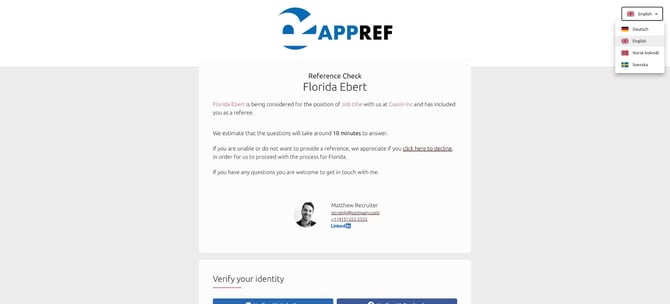
2. The referee chooses another language
The questionnaire switches to the selected language.
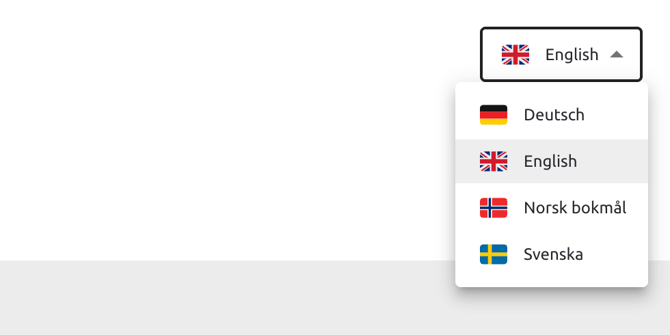
3. The new language is saved on the referee
Reminders to the referee and the reference report also use the new language.
Frequently asked questions
When is the language picker shown?
The language picker is shown when the project has one questionnaire in each of at least two languages. Read more in How do I handle referees in different languages?
Which languages can the referee choose from?
The referee can choose between the languages of the questionnaires included in your project.
Can I still change the referee's language myself?
Yes. You can still edit the referee's details and select another language.
Do I need to activate this?
No. The language picker is turned on for all accounts. If you'd like to turn it off, contact your Customer Success Manager or Refapp Support.