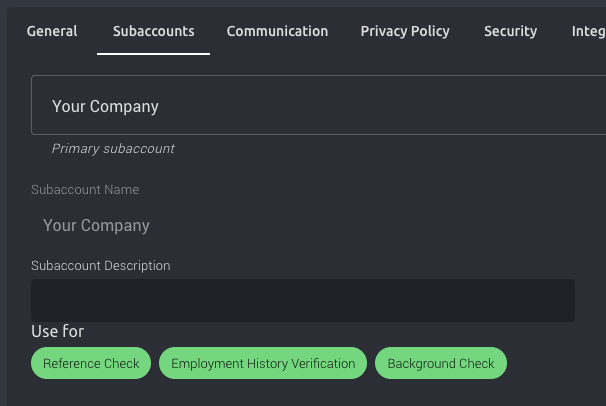
How do I set up subaccounts in Refapp? If you have administrator rights in Refapp, go to Company Settings and select the Sub-accounts tab to set up subaccounts. For more information on how to use them, please refer to our article about Subaccounts.
How do I control which project types users can see?
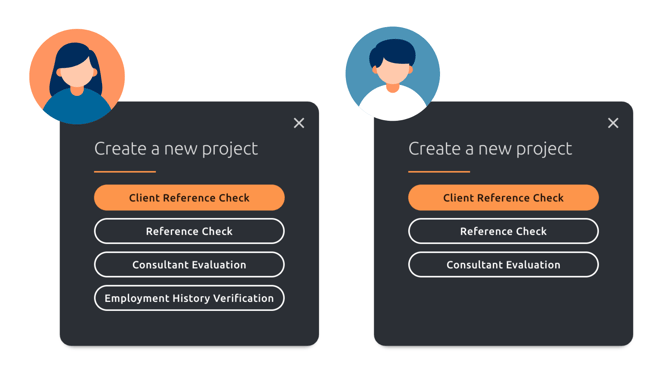
For each sub-account, you can then choose which project types should be available. Users will only see the project types that are available for the subaccount(s) they are assigned to. This way, each user gets a clear and relevant view, reducing the risk of errors and making the workflow more efficient.
Administrator view:
User view: