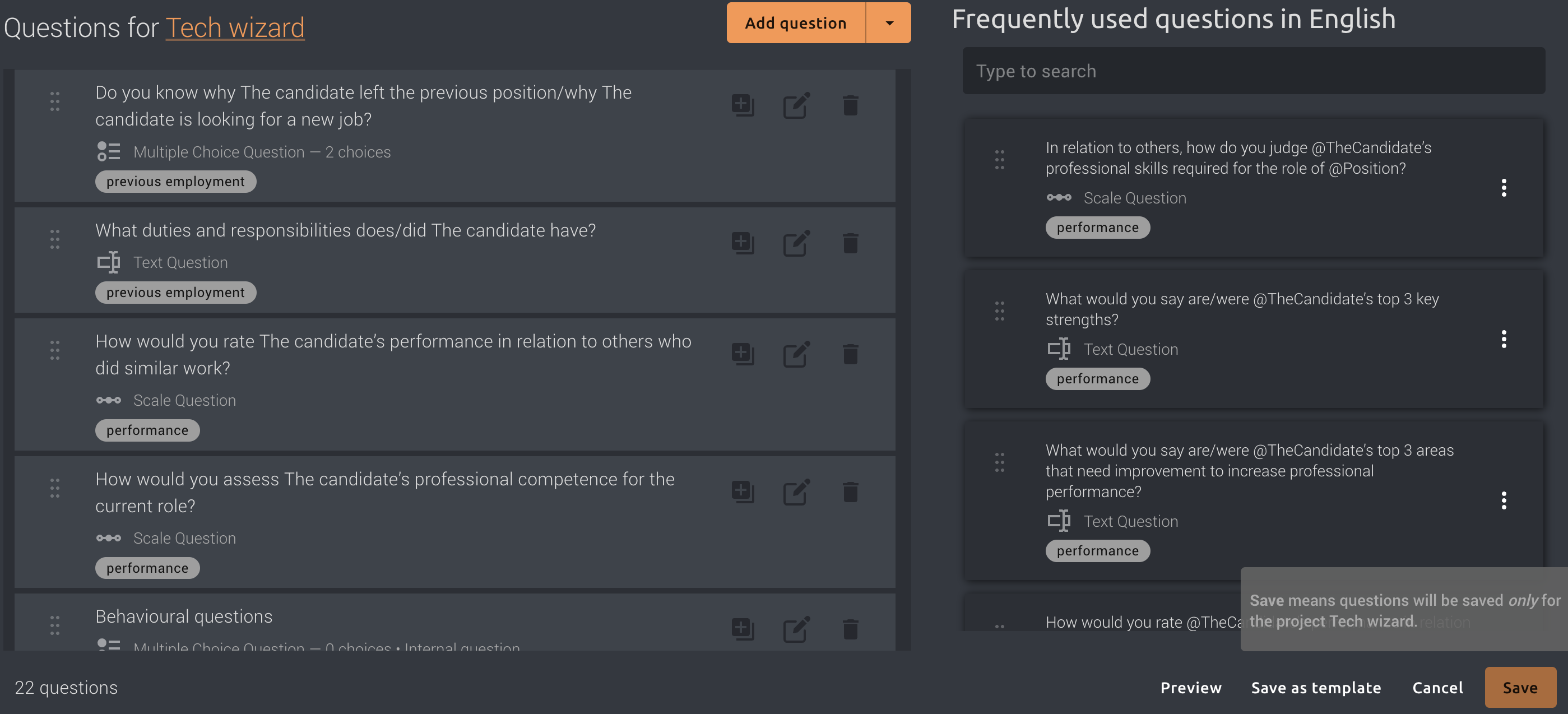
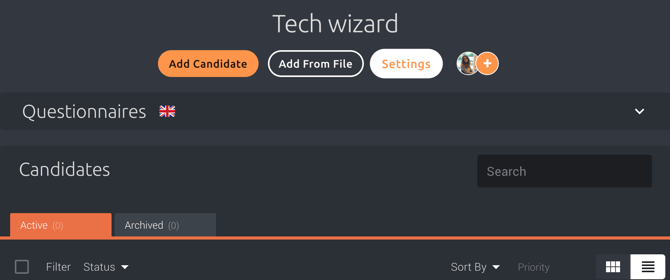
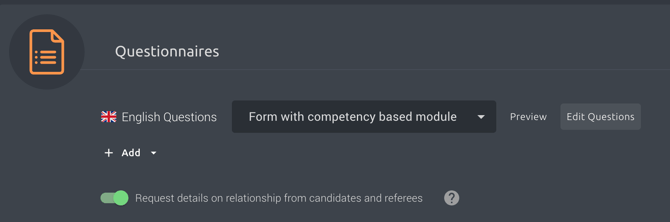
1. Open the relevant project and click Settings.
- create new questions or add existing questions from the right-hand panel
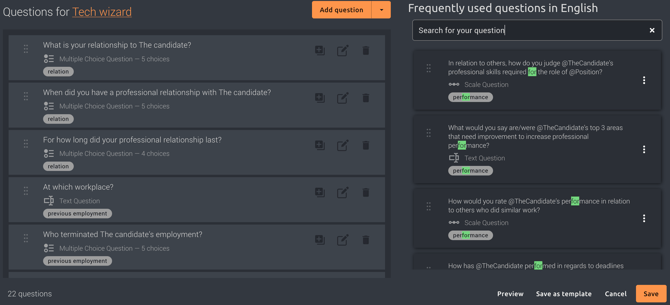
- remove questions by clicking the trash icon.
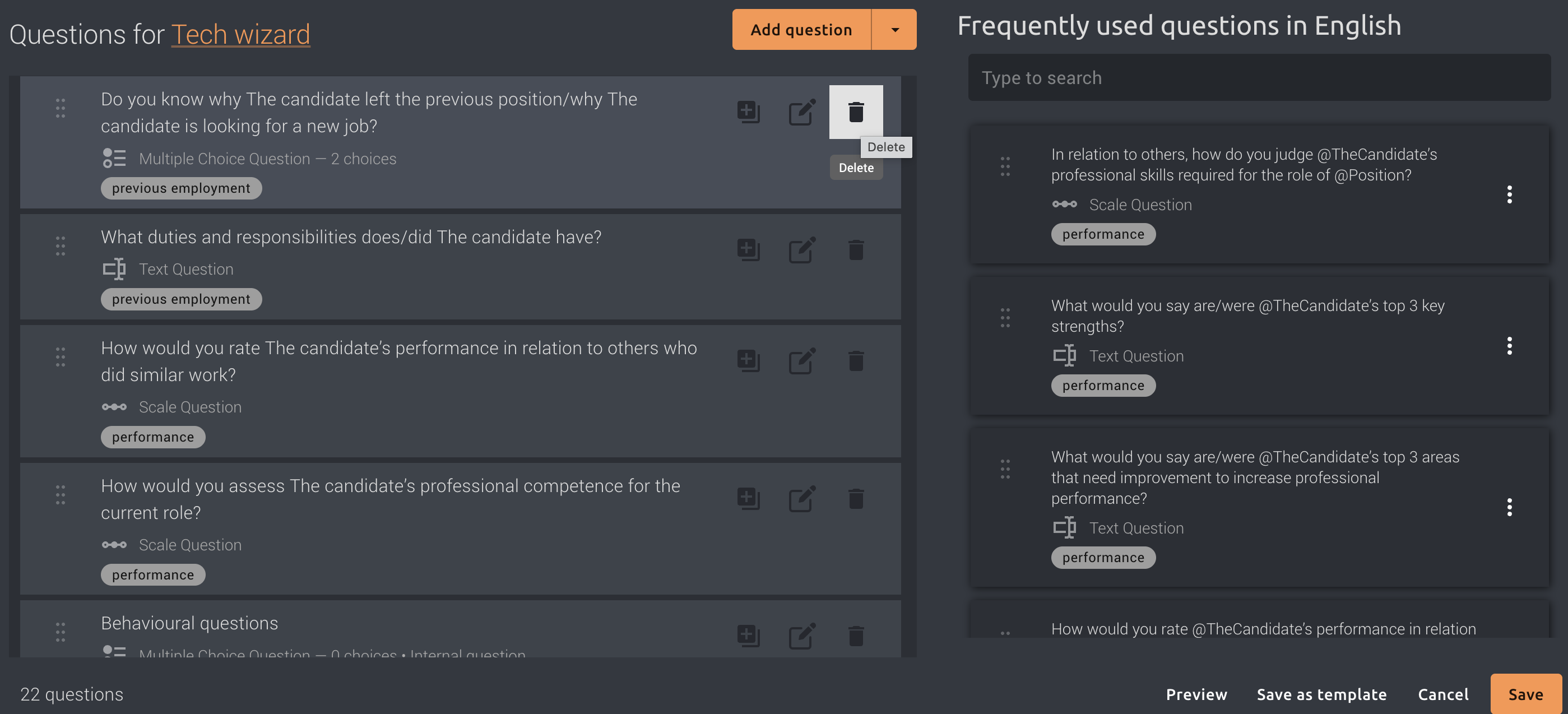
4. Click Save when you are happy with the questionnaire.