To enable this function, contact support@refapp.com.
The first step is to limit the sharing function to only permitted domains. This means that you can only share report links to email addresses that have a permitted domain.
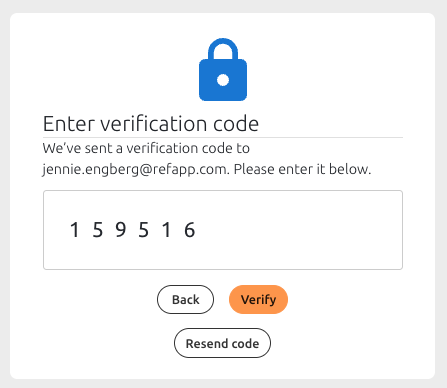
The restriction works both when sharing via email or web link. When opening the link, the reciver will be asked to submit their email to be sent a verification code. The code will be valid for 5 minutes for them to enter.
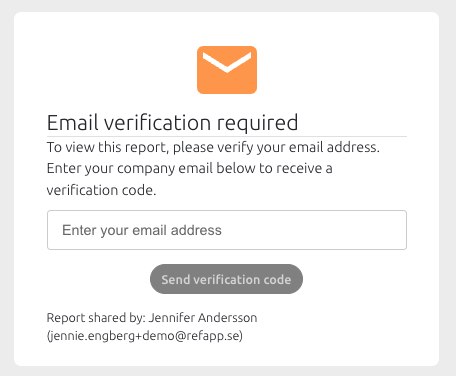
Once the reciver has entered the verification code, they will have access to the report for 24 hours.