
Private questionnaires are only available to you by default. If you want a colleague to be able to use or edit a private questionnaire, you can easily share it with them directly from Forms.
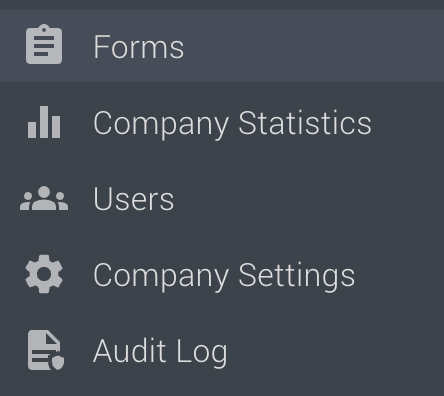
Step 1: Go to FormsIn Refapp, navigate to Forms in the main menu.
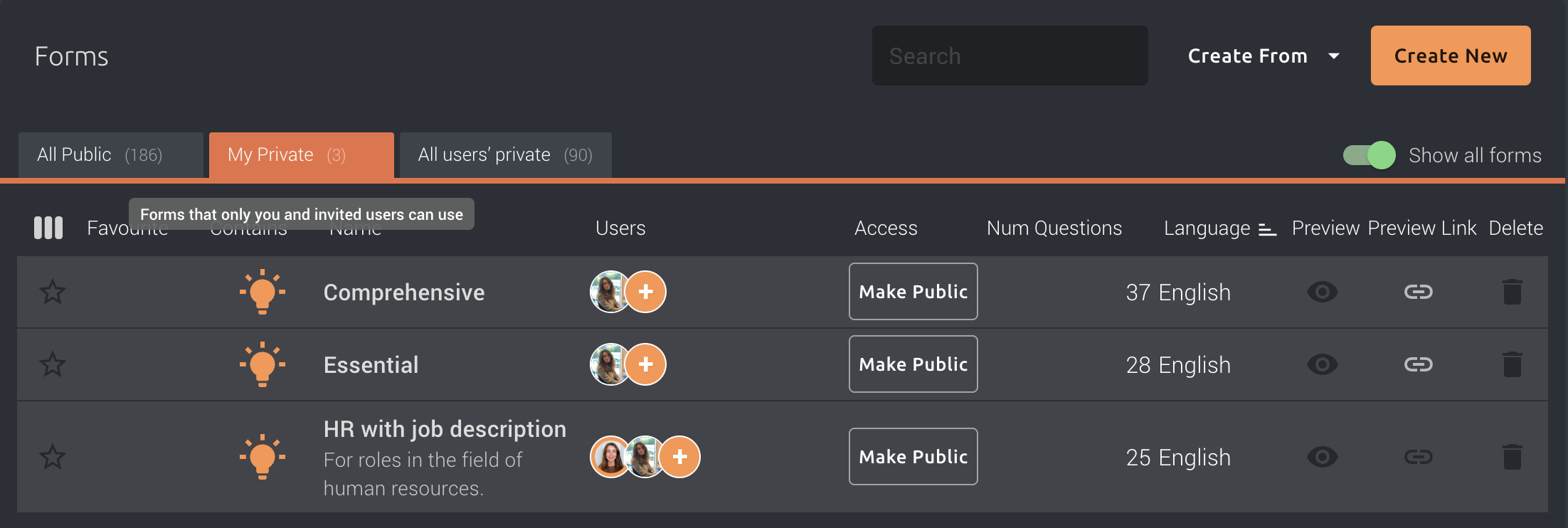
Select the My Private tab to see the questionnaires you have created and that are currently private.
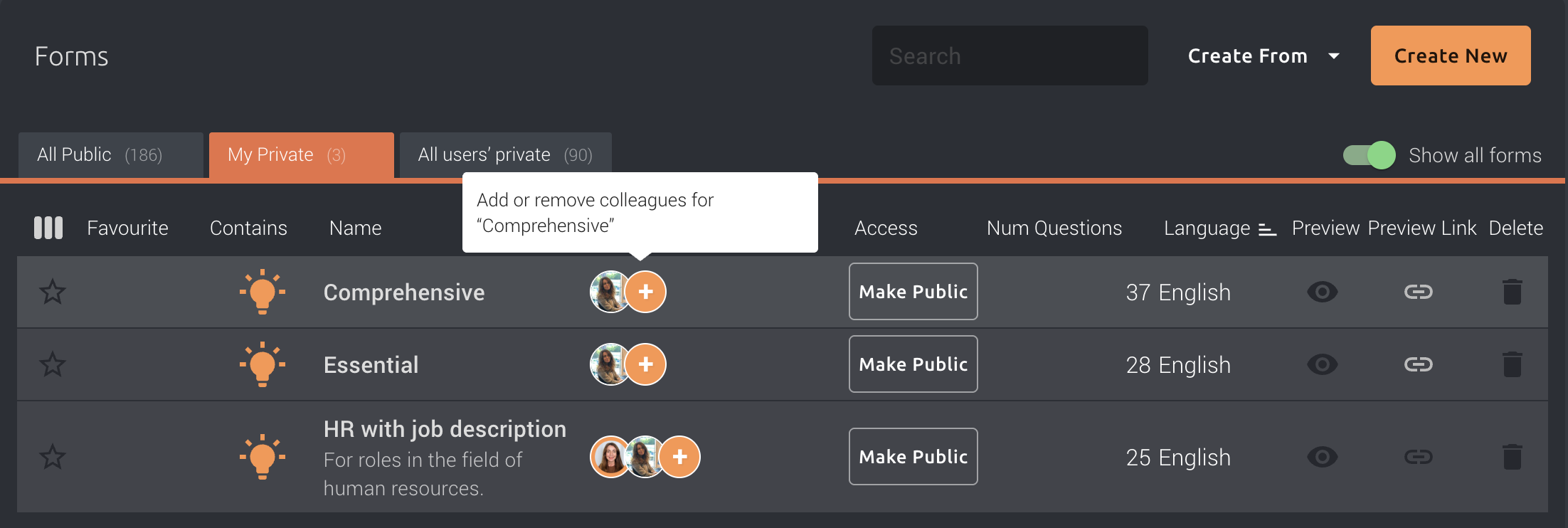
Find the questionnaire you want to share and click the + icon next to the questionnaire name.
A window will open where you can add or remove colleagues who should have access to the questionnaire.
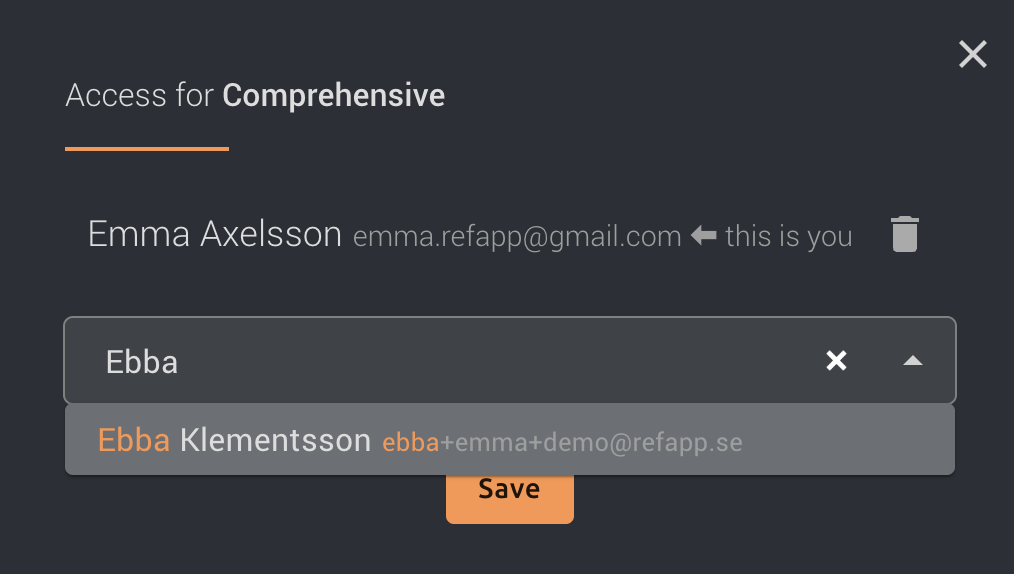
Select the colleague you want to share the questionnaire with. Then press Save.
The + icon also shows you which colleagues already have access to the questionnaire.
Once you have added your colleague, the questionnaire will be available to them under their private forms.
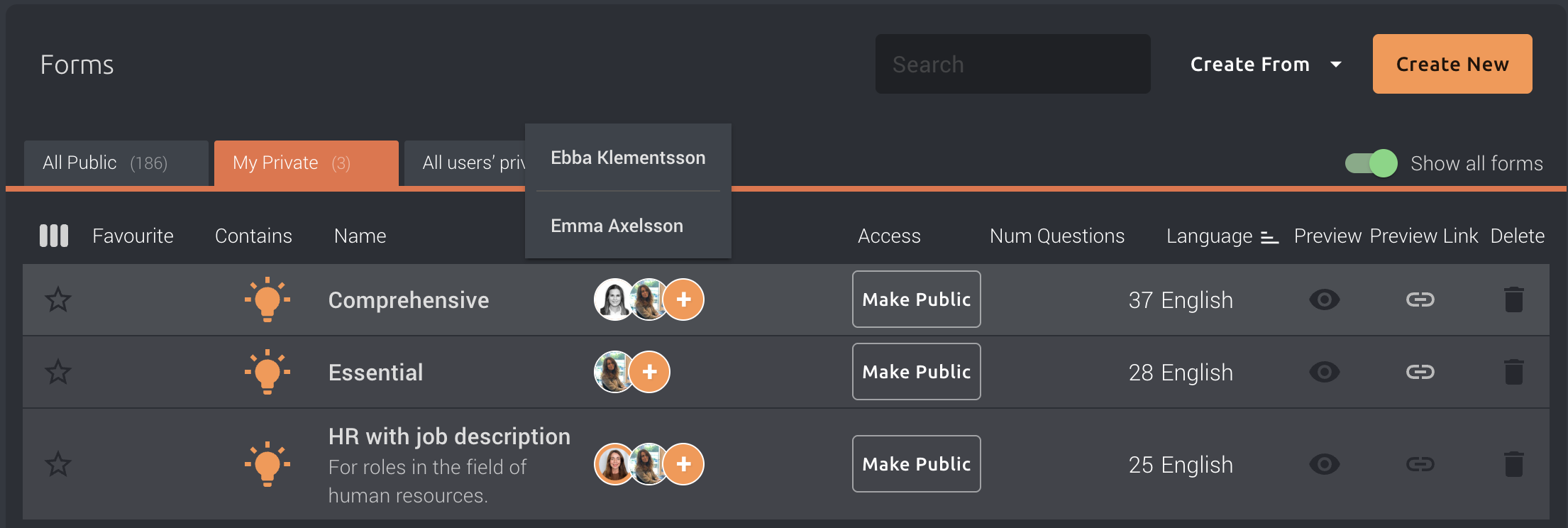
You can return to the + icon at any time to add or remove colleagues who have access.
Please note: Sharing a questionnaire with a colleague does not make the questionnaire public. It remains a private questionnaire and is only accessible to the users you have specifically shared it with.