
Once your candidate's references have completed the reference check, Refapp automatically generates an Insights report.
The report combines research-based behavioural analysis with your references' responses, helping you evaluate the candidate's suitability for the role.
Report overview
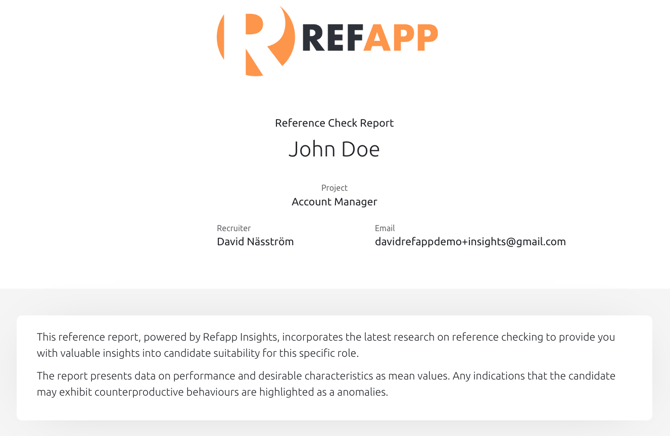
At the top of the report you'll find general information about the reference check, including: Candidate name, Project name and Recruiter
You'll also see a short introduction explaining how Refapp Insights works and how to interpret the report.
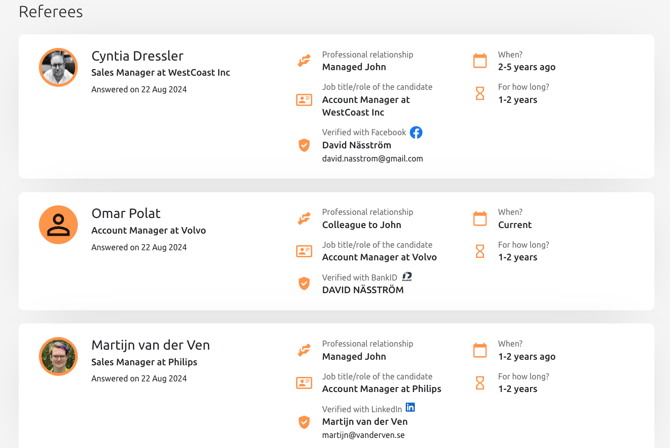
Referees
The Referees section provides an overview of everyone who participated in the reference check.
For each referee you can see their name and their relationsship with the candidate.
Reviewing this information helps you understand each referee's perspective before interpreting their feedback.
Performance and recommendation
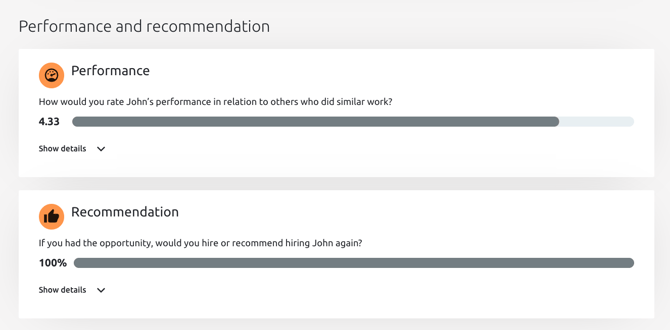
The Performance and Recommendation section summarizes the references' overall assessment of the candidate. It includes:
- Performance – How the references rated the candidate's overall performance compared to others in similar roles.
- Recommendation – The percentage of references who would recommend hiring or rehiring the candidate.
These metrics provide a quick overview before reviewing the detailed results.
Behavioural characteristics
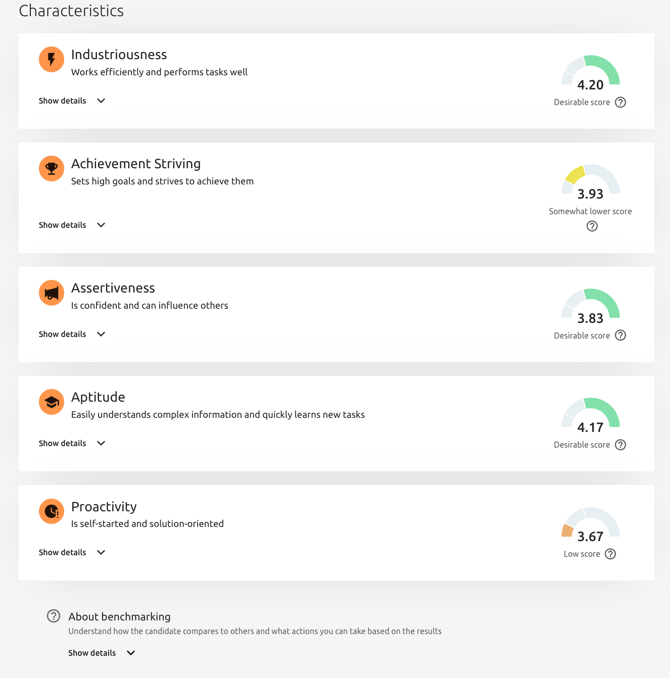
The Characteristics section presents the behavioural traits measured during the reference check.
Each characteristic includes:
- An overall score based on all reference responses.
- A brief description of the behaviour.
- A benchmark indicator (if benchmarking is enabled).
Click Show details to view the responses that contributed to the score.
Understanding benchmark scores
If benchmarking is enabled, each behavioural trait is compared with a relevant norm group for similar roles. Benchmark results may be displayed as:
- Desirable score
- Somewhat lower score
- Low score
Select the ? icon next to the score to learn more about what the result means.
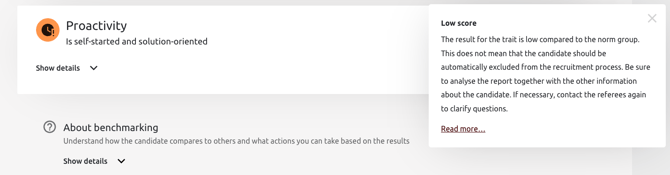
Important: Benchmark scores should always be interpreted together with the full report. They provide additional context and should never be used as the sole basis for a hiring decision.
Counterproductive Work Behaviours
If your questionnaire includes the Counterproductive Work Behaviours module, the report highlights potential behavioural risks identified during the reference check.
Each category indicates whether any anomalies have been identified.
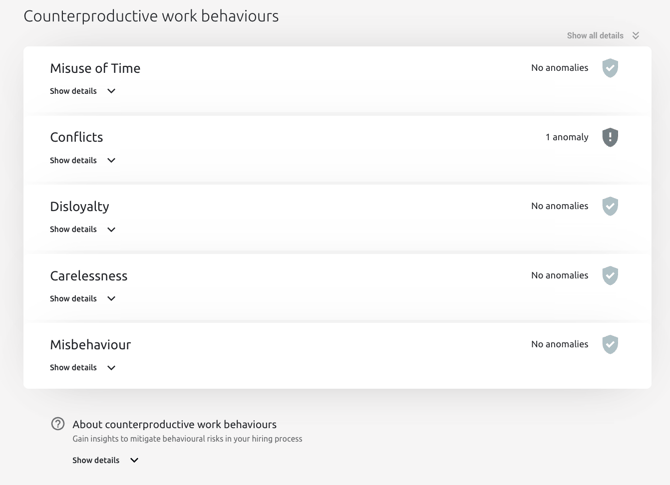
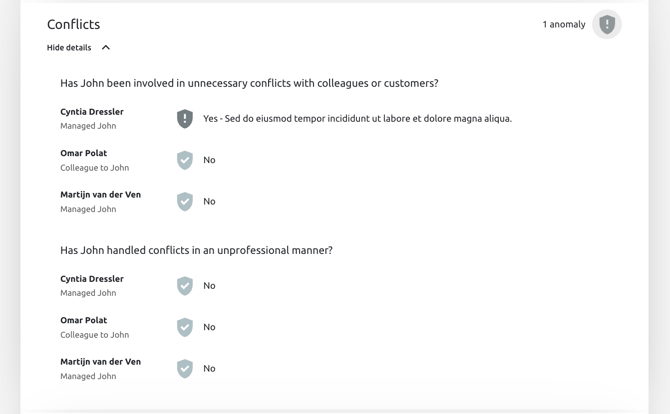
Expand a category by selecting the shield or anomaly to review each referee's responses.
Individual answers
The final section of the report contains all responses from your referees.
Here you can review:
- Ratings
- Open-ended answers
- Written comments
- Responses from each referee side by side
This section provides valuable context to the behavioural analysis and benchmark scores.
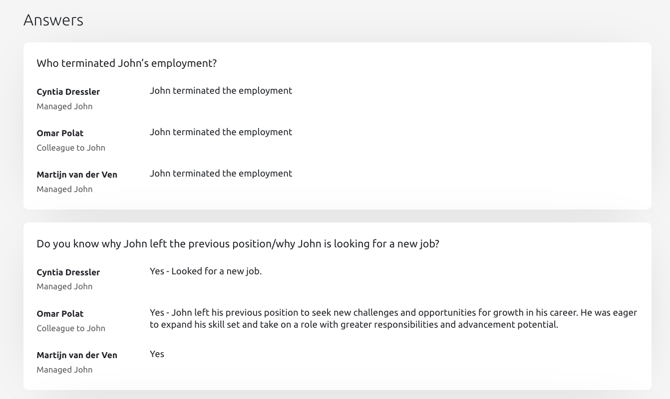
💡 Tip: Expand Show details throughout the report to view the underlying responses and gain more context behind each score.
Want to share the report with others? Read How do I share an Insights report?
Please reach out to our support if you have any questions at support@refapp.com